
What Permissions Do Space Hosts and Moderators Have?
For each of these options, there can be an unlimited number of people designated in each role. Before changing the role of any members to become Hosts or Moderators, read through all of the controls that each role gives them below.
Note well – WE DO NOT HAVE THE ABILITY TO RECOVER ANY DELETED CONTENT FROM YOUR SPACES OR REVIVE A SPACE THAT HAS BEEN DELETED. Any deleted content or actions taken by a Host/Moderator can not be undone by our Admin or Support Team.
Here’s a breakdown of what the different roles mean:
- Space Moderators have a slightly more limited role.
Host vs Moderator Actions & Controls:
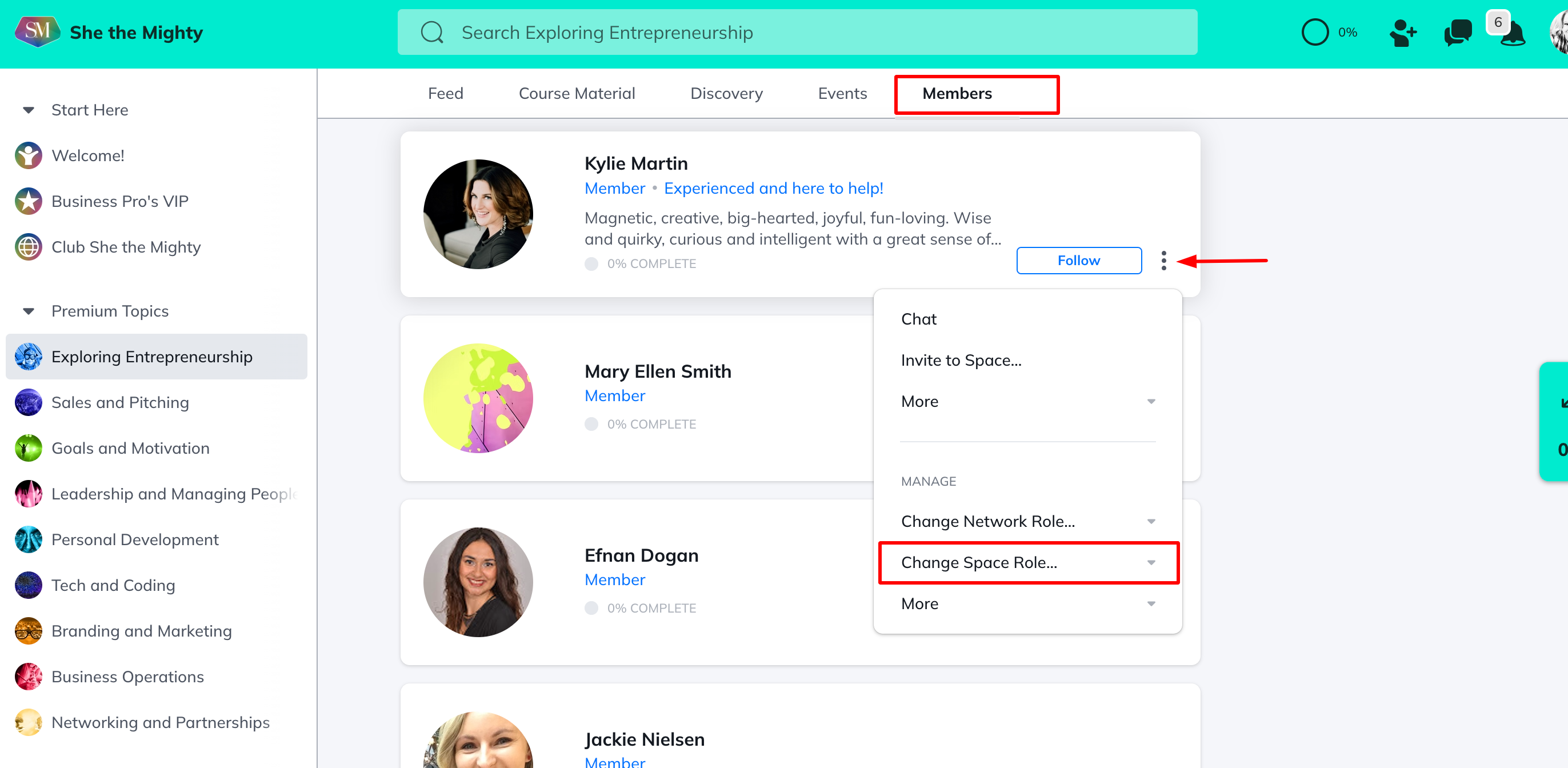
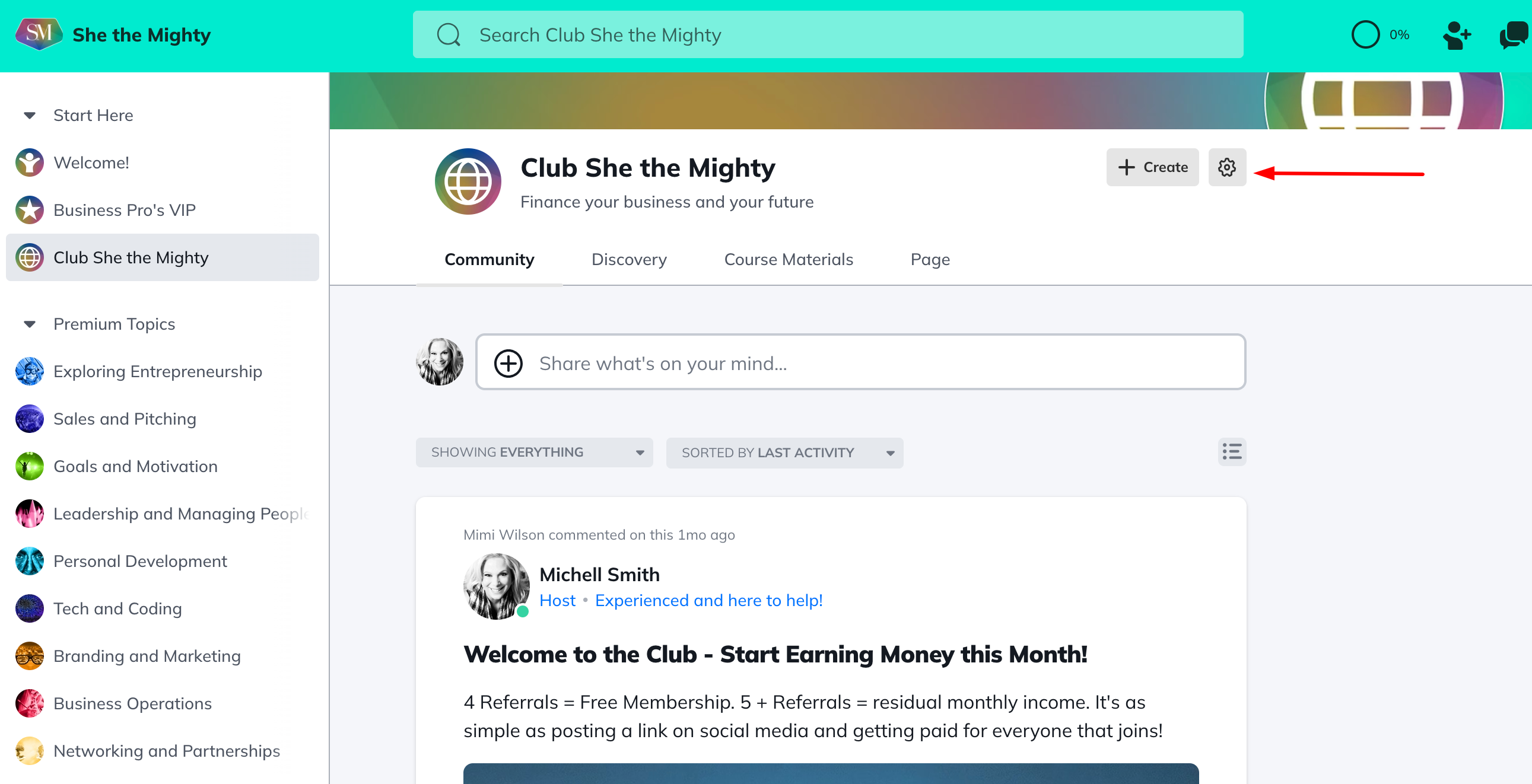
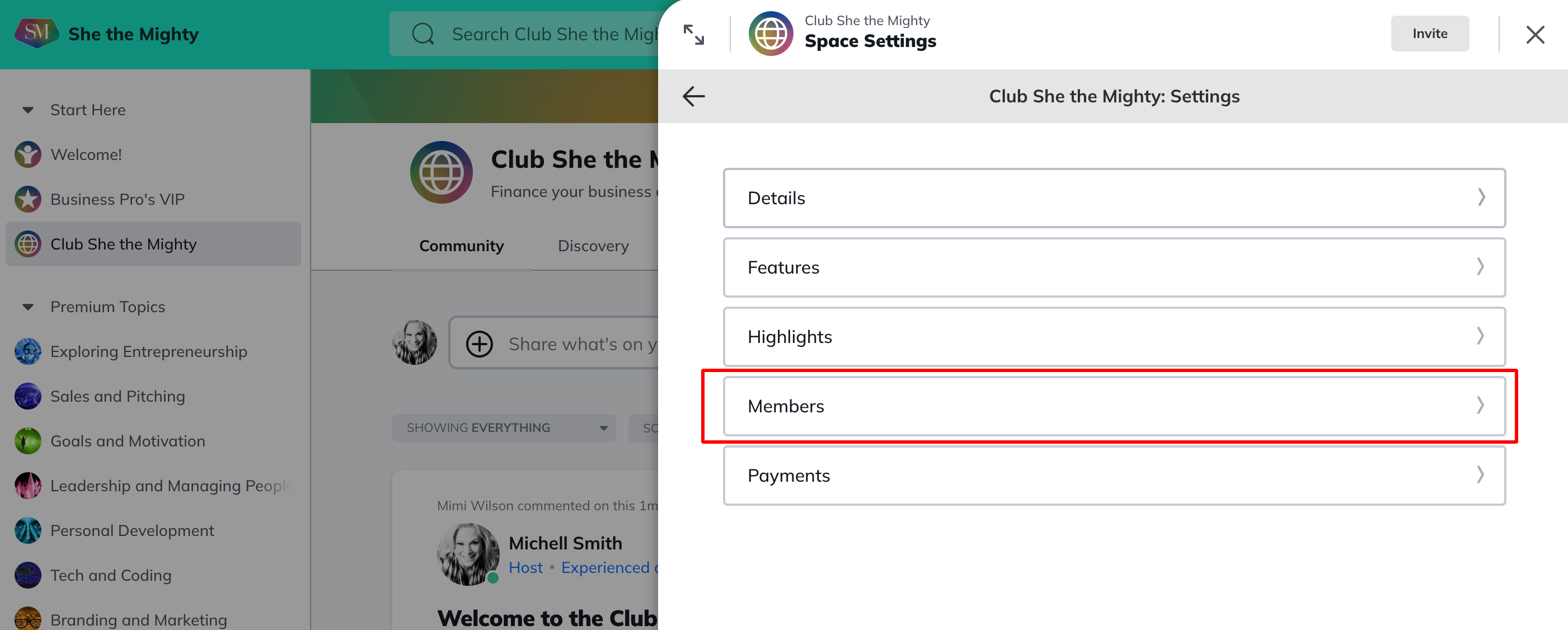
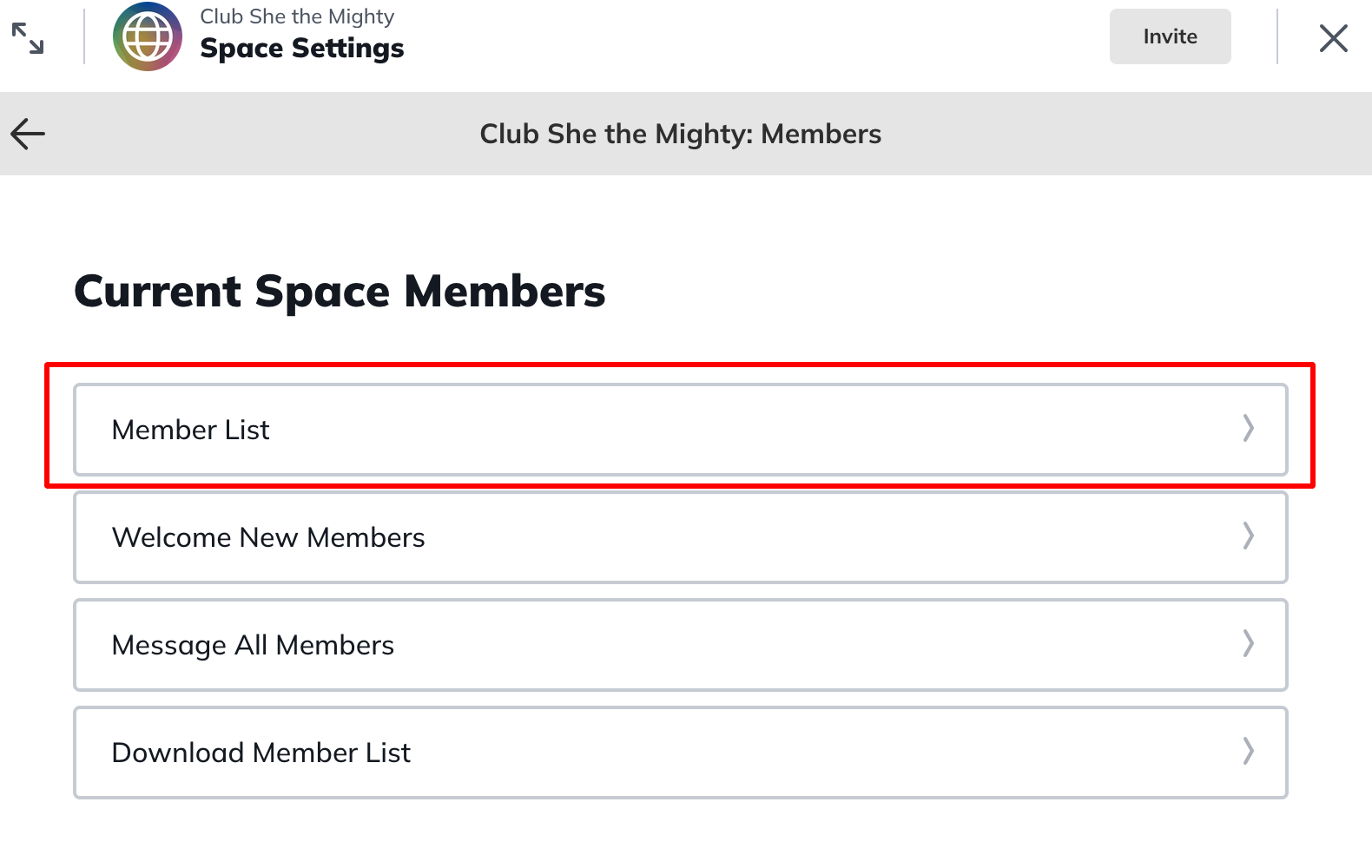
To make someone a Space Host or Moderator, navigate to Space Members, search for their name, then click open the 3 dot menu > Change Space Role > Space Moderator/Host. To remove their access and change them back to a Member, follow this same process and select Member.

You can also customize the names of roles inside of your Spaces!
Related Articles
How Do I Brand My Spaces?
You can add a custom colour, logo and image or...
How Do I Find And Edit The About Page For My Spaces?
You can find your About Page for a Space by...
What Kind Of Space Templates Are Available?
When you join as a Business Pro Member, you get...
How Do I Add A Quiz To My Course?
Creating and viewing a Quiz as a Space Host is...
How Do I Manage The Features In My Spaces?
When you first start building your Spaces, each...
Recent Articles
How Does The Feed Work?
In the upper left corner, you will see some...
What Do Member Profiles Include on She the Mighty?
When a new member joins She the Mighty, they...
How Do I Set Up My Profile?
Setting up your member profile is a great first...