
What Kind Of Space Templates Are Available?
When you join as a Business Pro Member, you get 3 Spaces to start with and build out however you like! We’ve created Templates to help you do this quickly and easily 🙂 If you need more than 3 Spaces, you can upgrade inside the platform.
Your Primary Feature Space starts out the same way our first ever Expert Space was built! It has the following features turned on inside it and some content pre-loaded to help you get started.
For your 2 additional Spaces, you can create a Space that is a course, group, resource library, just a chat Space, a specific event or event series, or customize your own!
We provide you with Templates to get started and from there you can edit the features inside of each Space.
-
Chat
-
Feed
-
Members
-
Events
-
Course Community (Feed Feature)
-
Course Materials (Table of Contents Feature)
-
Discovery
-
Members
-
Course Materials (Table of Contents Feature)
-
Members
-
Calendar of Events (Event Feature)
-
Attendees (Member Feature)
-
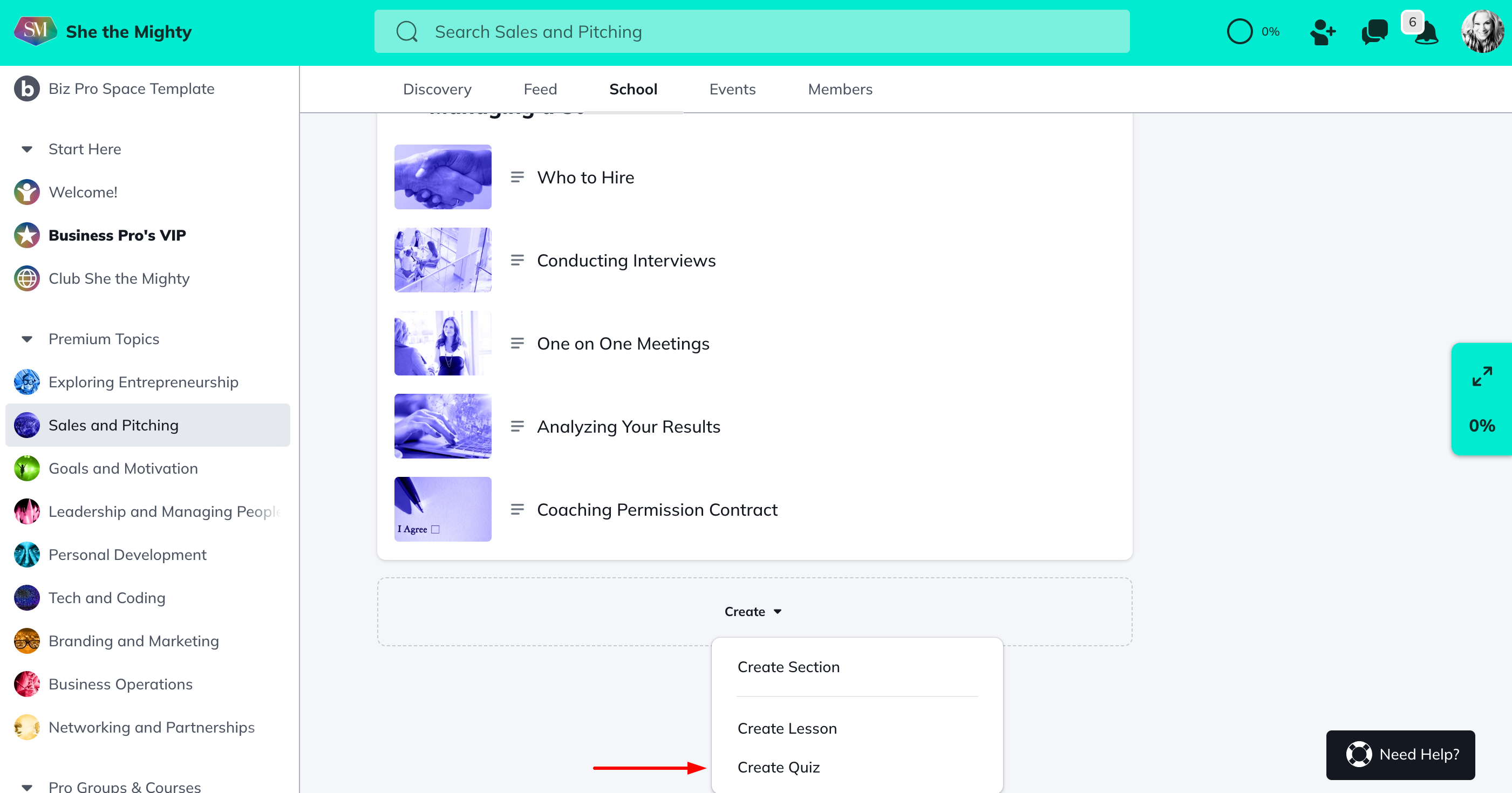
Table of Contents Feature
From there, you will be able to toggle on and off Space Features by clicking into the Space > Manage > Space Features.
To learn more about how these features, check out “How Do I Manage the Features in My Spaces?”
Related Articles
How Do I Brand My Spaces?
You can add a custom colour, logo and image or...
How Do I Find And Edit The About Page For My Spaces?
You can find your About Page for a Space by...
How Do I Add A Quiz To My Course?
Creating and viewing a Quiz as a Space Host is...
How Do I Manage The Features In My Spaces?
When you first start building your Spaces, each...
Add or Re-Order Lessons and Sections
Once you have created Lessons and Sections, you...
Recent Articles
How Does The Feed Work?
In the upper left corner, you will see some...
What Do Member Profiles Include on She the Mighty?
When a new member joins She the Mighty, they...
How Do I Set Up My Profile?
Setting up your member profile is a great first...