
How Do I Find And Edit The About Page For My Spaces?
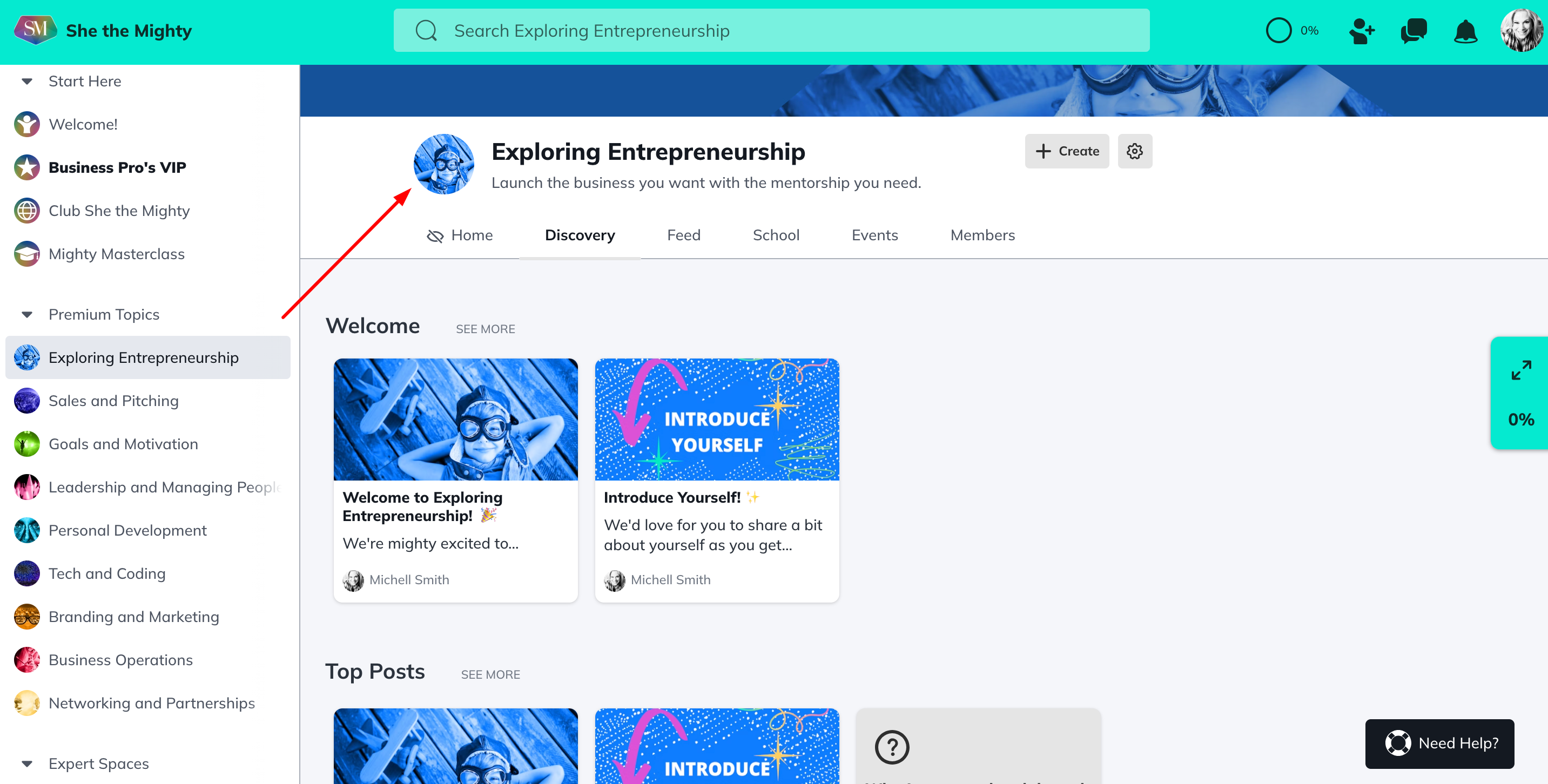
You can find your About Page for a Space by clicking on the logo for the Space:
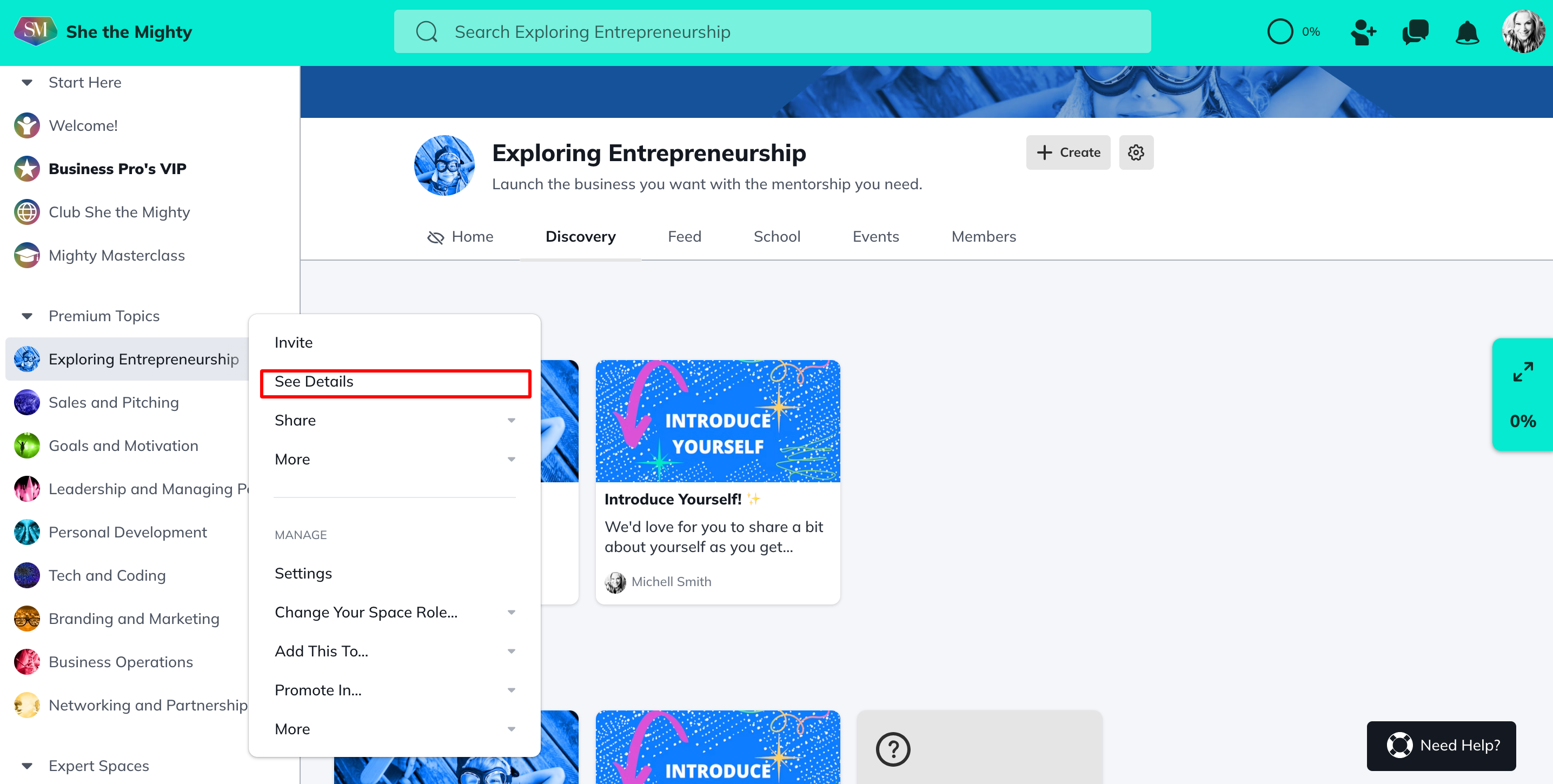
Or by clicking the three dot menu beside your Space in the left navigation menu and selecting See Details:
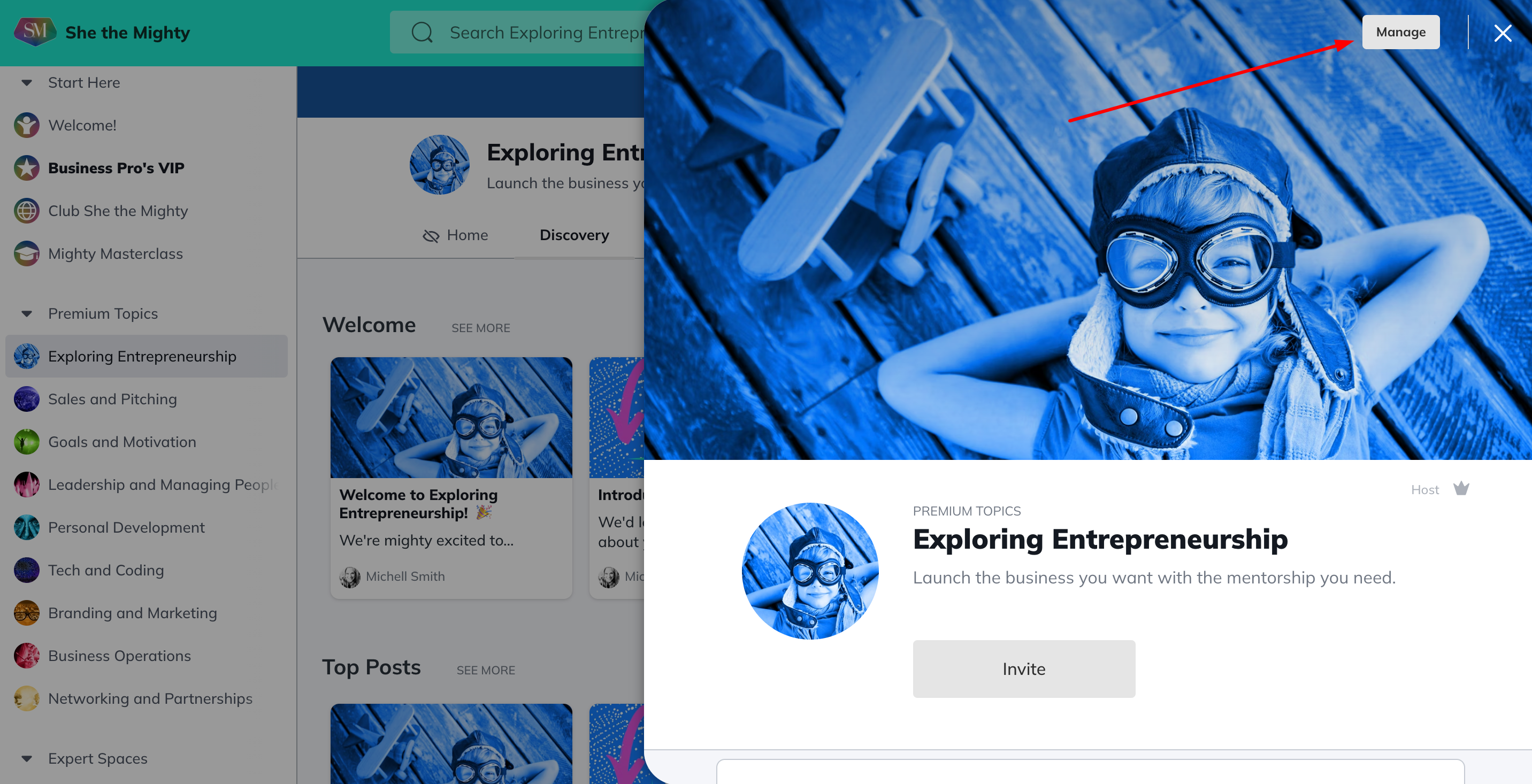
To edit your About Page for a Space, once you’ve opened it up by clicking the logo, or the See Details tab as above, now click on the Manage button to open the Editor.
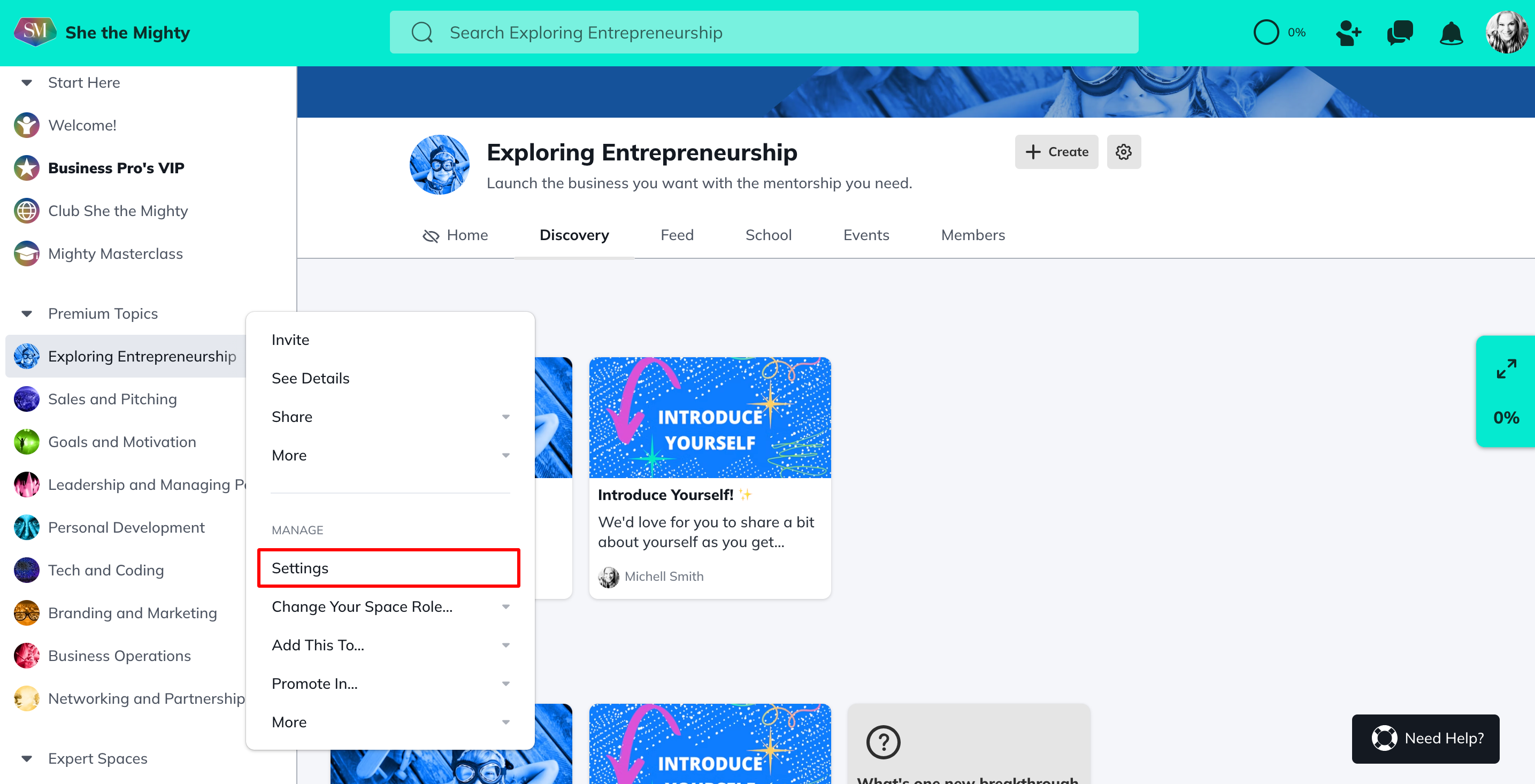
You can also open this Editor by clicking on the three dot menu in the left navigation bar and selecting Settings > Details.
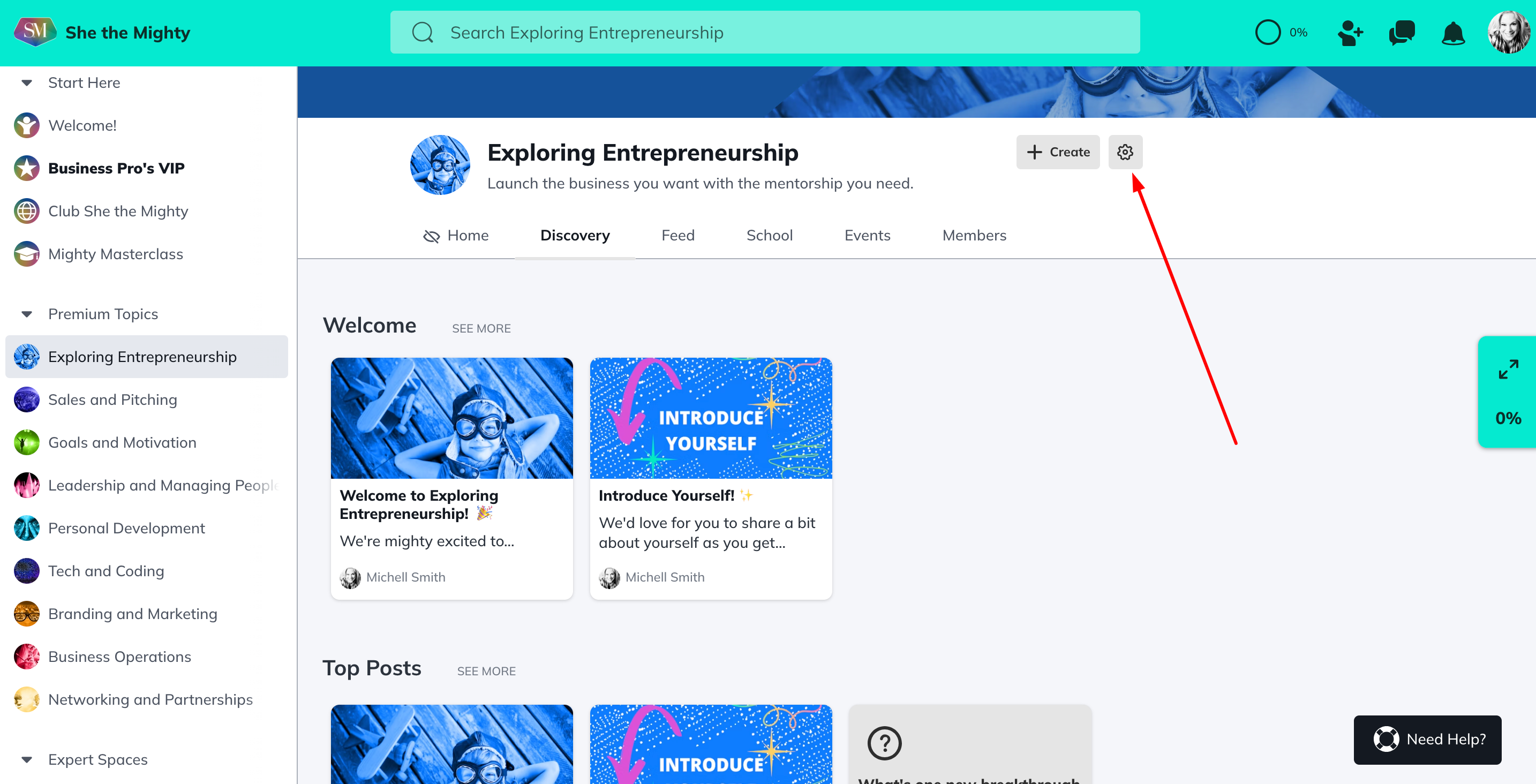
Or, you can also open this Editor by clicking on the Gear up at the top beside your Space Name and selecting Settings > Details.
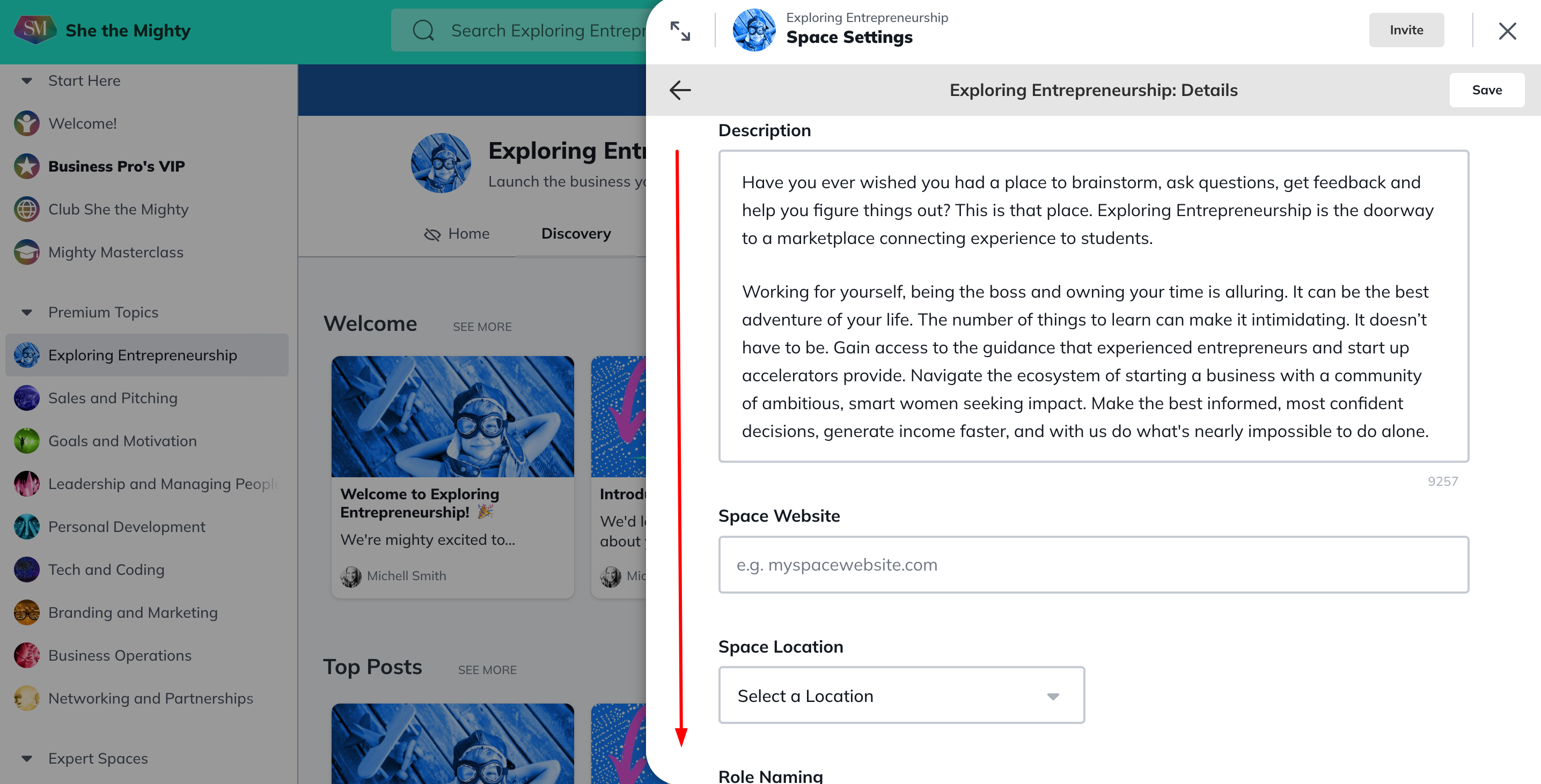
The Editor opens up your Space Details Page where you can edit your Space Name, Space Tagline, The Collection your Space is in (ask for help from support before doing this), your Space Description, add a Space website, Change the names of roles inside your Space and edit your Space Branding.
Related Articles
How Do I Brand My Spaces?
You can add a custom colour, logo and image or...
What Kind Of Space Templates Are Available?
When you join as a Business Pro Member, you get...
How Do I Add A Quiz To My Course?
Creating and viewing a Quiz as a Space Host is...
How Do I Manage The Features In My Spaces?
When you first start building your Spaces, each...
Add or Re-Order Lessons and Sections
Once you have created Lessons and Sections, you...
Recent Articles
How Does The Feed Work?
In the upper left corner, you will see some...
What Do Member Profiles Include on She the Mighty?
When a new member joins She the Mighty, they...
How Do I Set Up My Profile?
Setting up your member profile is a great first...