
How Do I Brand My Spaces?
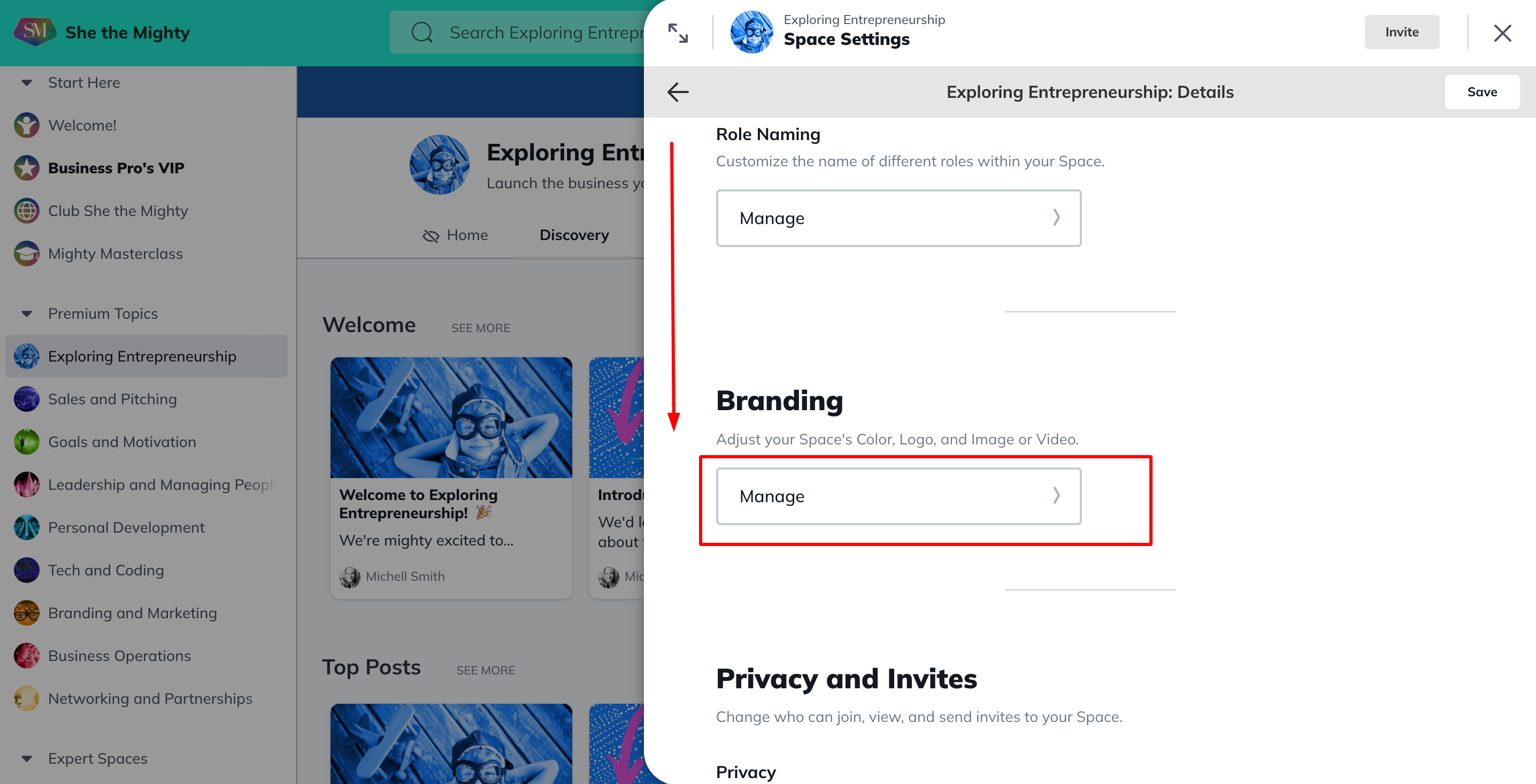
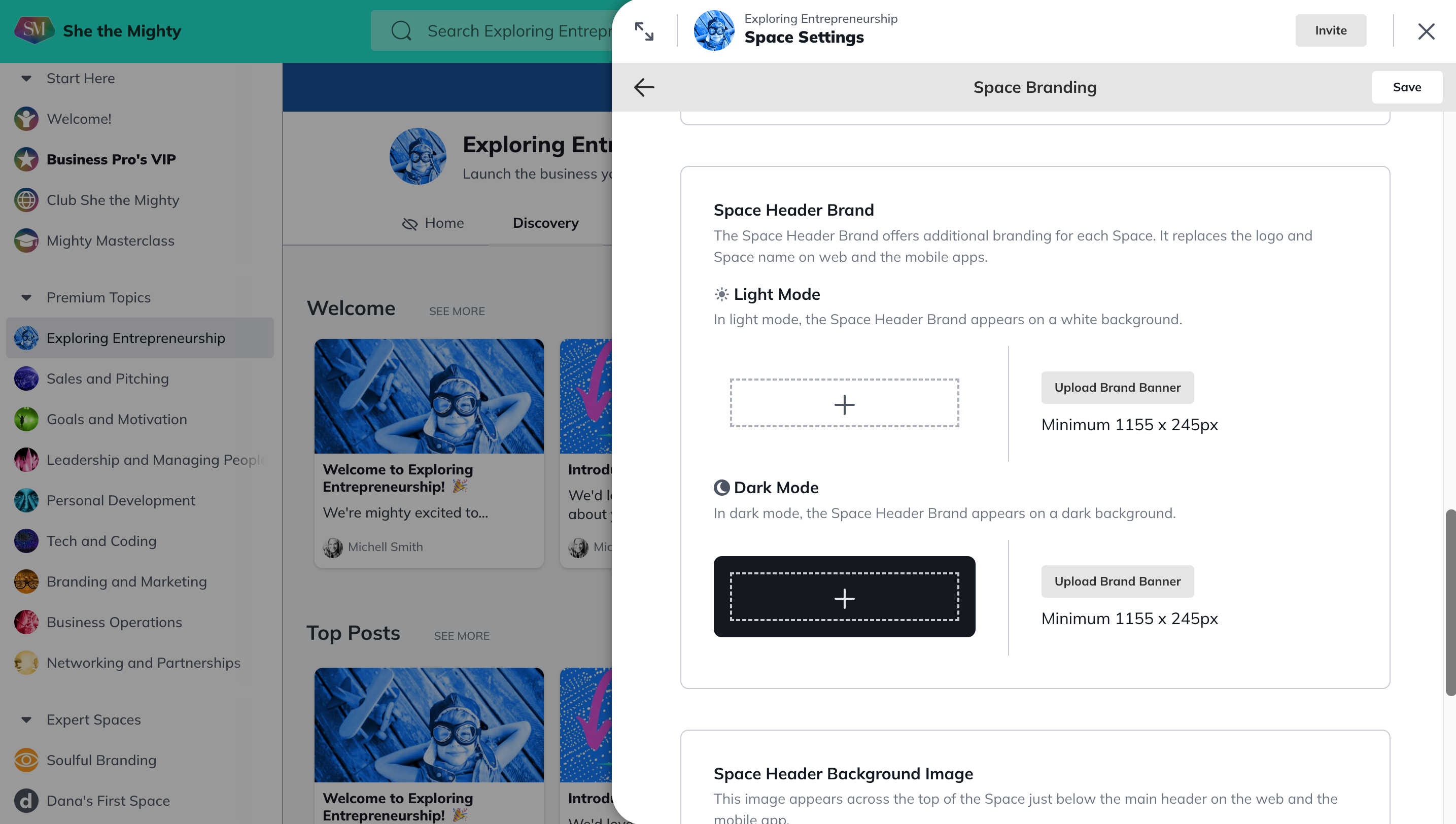
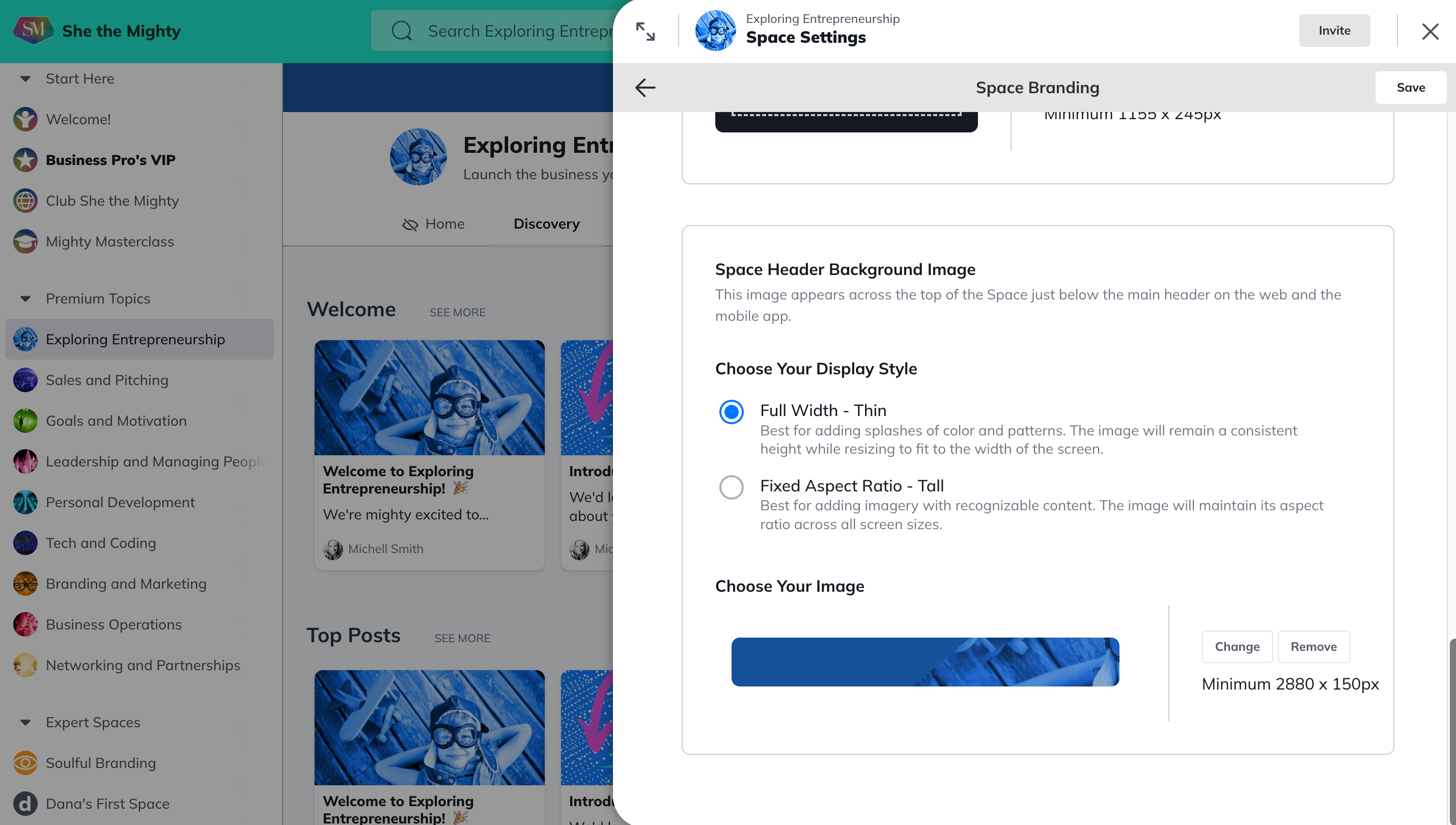
You can add a custom colour, logo and image or video to each of your Spaces on She the Mighty. First, you will click into the Space > Manage > Space Details. Then scroll down until you see the Branding section and click on Manage.
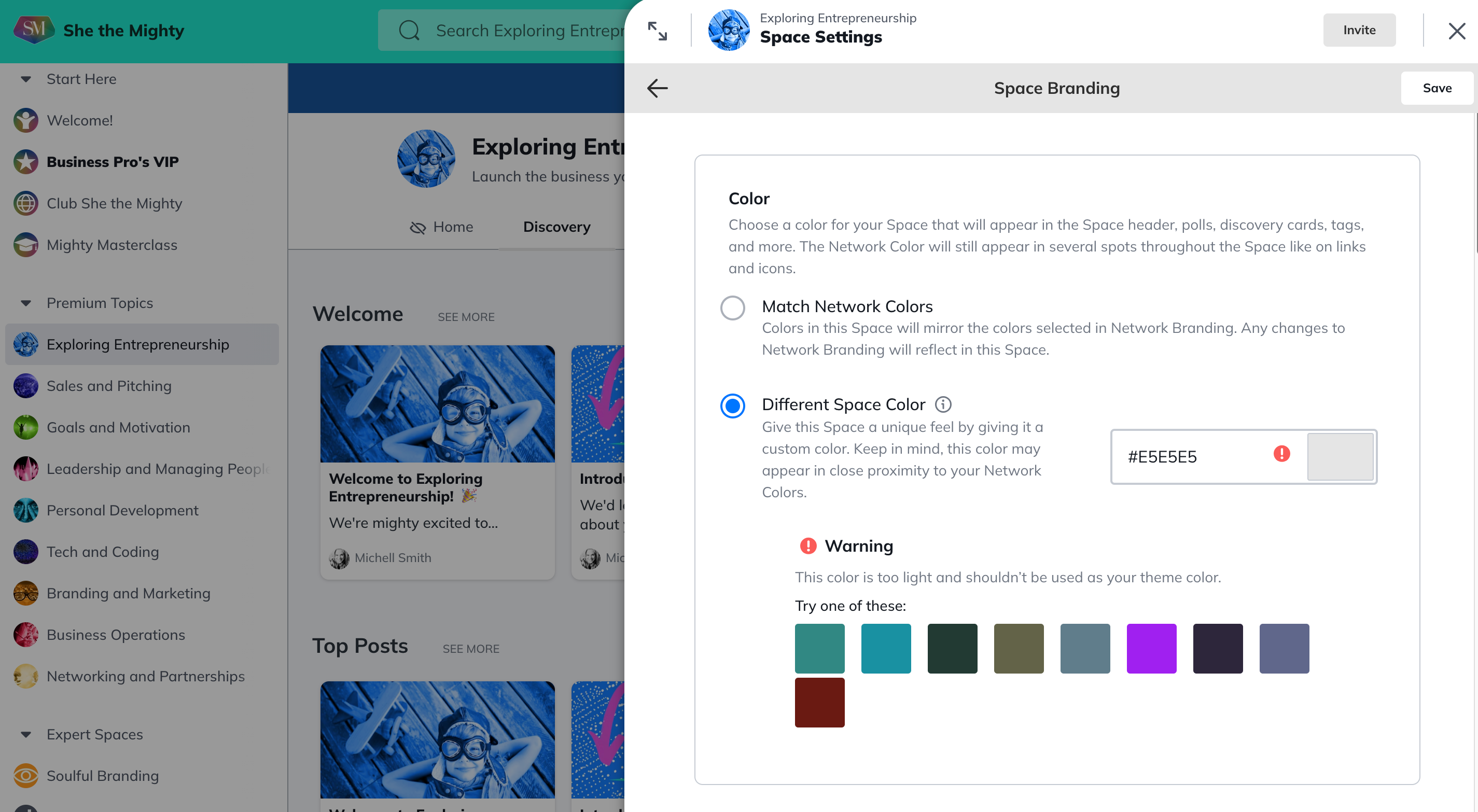
The colour you choose for your Space will appear in the action buttons, hyperlinks, hashtags and will show up on Polls as well (Polls are active if you keep the FEED enabled in your Space).
You can either match the network colors or choose a different color to help make the Space more distinct.
Enter in your preferred colour’s HEX Code or use our colour selector to help you pick one! For more help selecting brand colours check out this lesson in Entrepreneur School.
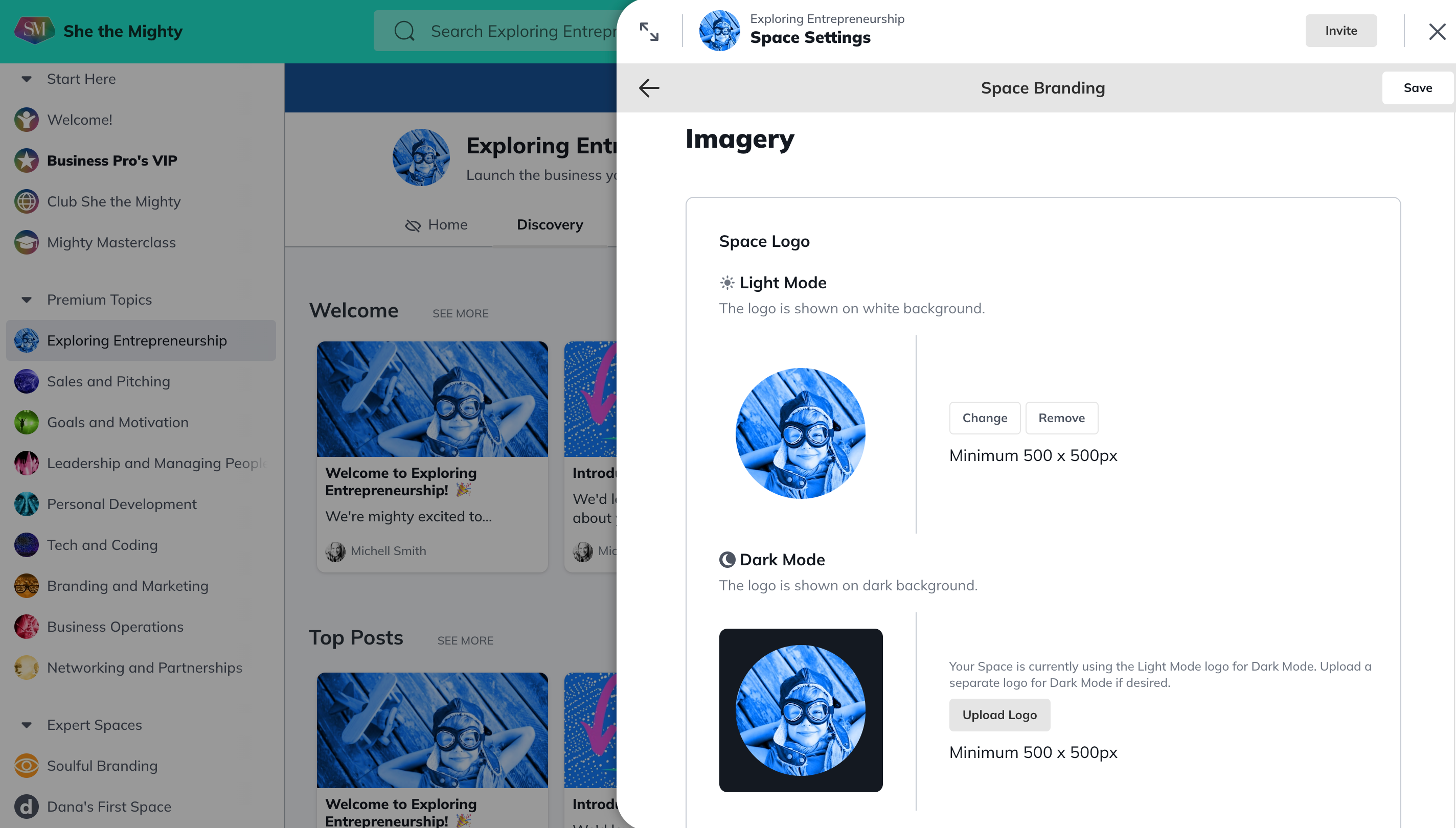
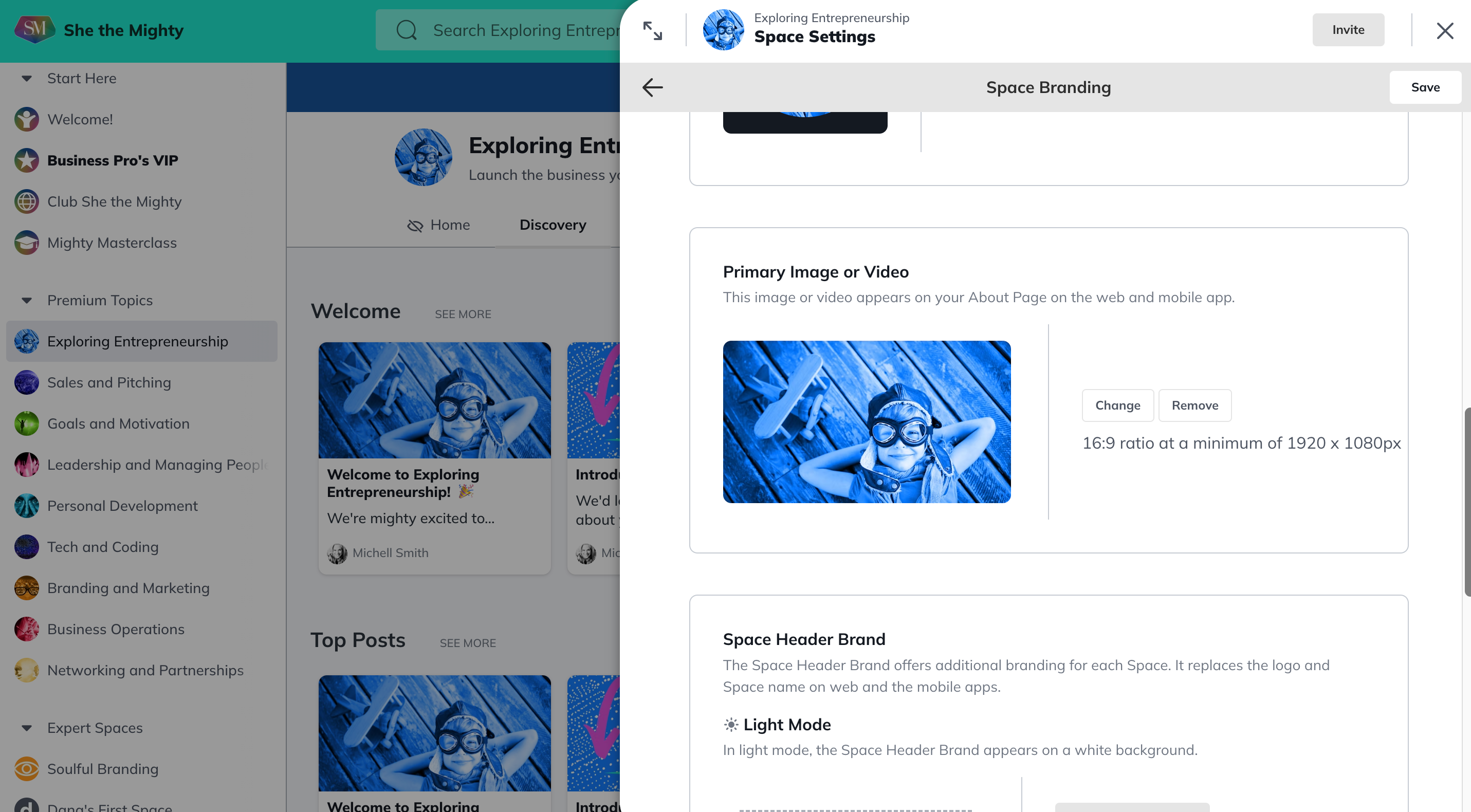
For your logo, we recommend uploading an image with square dimensions that is at least 500px by 500px. The logo will be resized into a round shape in most places where it appears across She the Mighty. You can even choose a GIF! You can choose two different logos for either light or dark mode.
Related Articles
How Do I Find And Edit The About Page For My Spaces?
You can find your About Page for a Space by...
What Kind Of Space Templates Are Available?
When you join as a Business Pro Member, you get...
How Do I Add A Quiz To My Course?
Creating and viewing a Quiz as a Space Host is...
How Do I Manage The Features In My Spaces?
When you first start building your Spaces, each...
Add or Re-Order Lessons and Sections
Once you have created Lessons and Sections, you...
Recent Articles
How Does The Feed Work?
In the upper left corner, you will see some...
What Do Member Profiles Include on She the Mighty?
When a new member joins She the Mighty, they...
How Do I Set Up My Profile?
Setting up your member profile is a great first...